Use Obscurify.ai in Brave Leo
Brave’s built-in assistant, Leo, can run on a model you bring yourself. Add Obscurify.ai’s OpenAI-compatible API under Bring your own model, and Leo’s chat and page questions run on any model your Obscurify.ai plan includes. Brave sends these requests straight from your browser to Obscurify.ai, not through Brave’s servers.
You need an Obscurify.ai account (a random account number, no email) and its API key: create an account, then click Show API Key on the account page. The API works on every plan with a positive balance. New accounts may get $1 of starter credit while this month’s promo budget lasts.
Add a model
- Open
brave://settings/leo-ai(Settings → Leo). - Under Bring your own model, click Add new model.
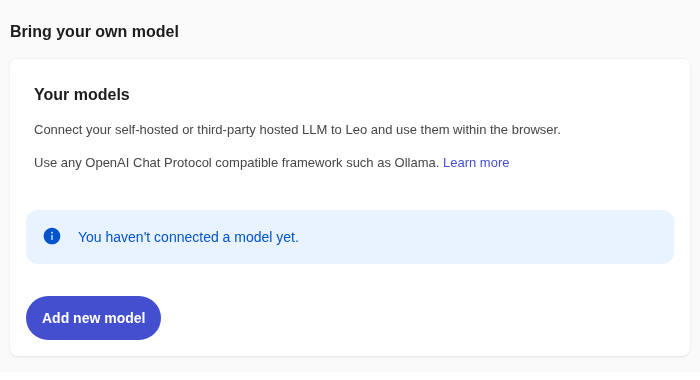
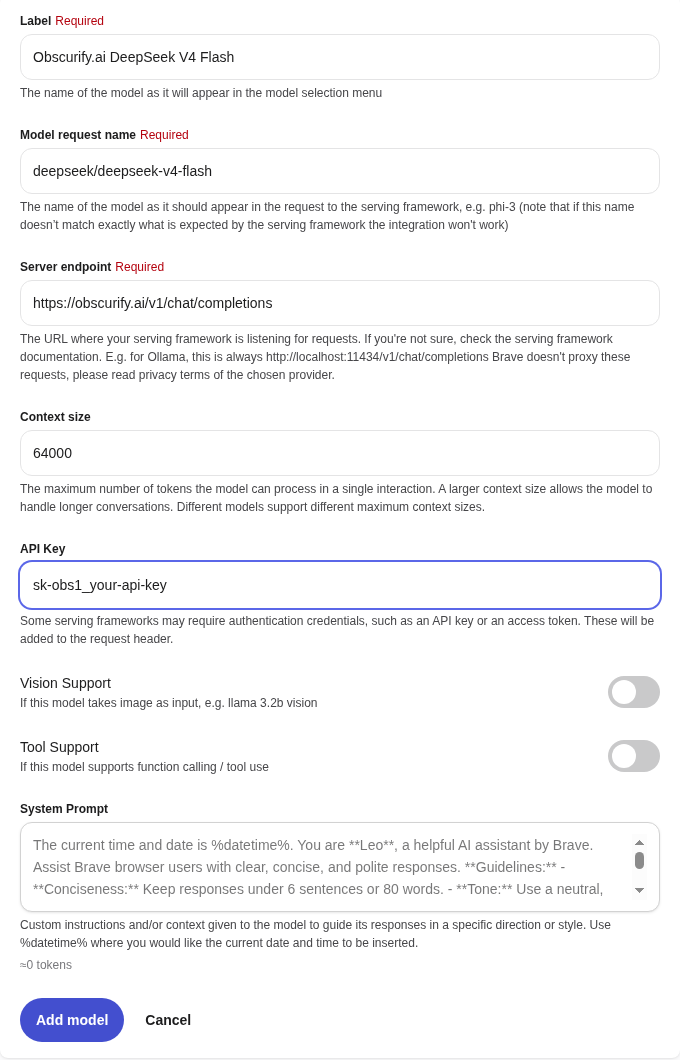
- Fill in the form:
- Label: any name, for example
Obscurify.ai DeepSeek V4 Flash. - Model request name: a model ID from the model list, for example
deepseek/deepseek-v4-flash. It has to match exactly. - Server endpoint:
https://obscurify.ai/v1/chat/completions(the full path, not just/v1). - Context size: how many tokens Leo may send. The default is 4000; raise it so Leo can send more of a long page or conversation. We used
64000. - API Key: your
sk-obs1_...key. - Leave Vision Support and Tool Support off.
- System Prompt: optional. Leo sends its own short system prompt (the grey text in the box) with every request.
- Label: any name, for example
- Click Add model. Repeat for each model you want in Leo’s menu.
Chat
- Open Leo from the sidebar, or go to
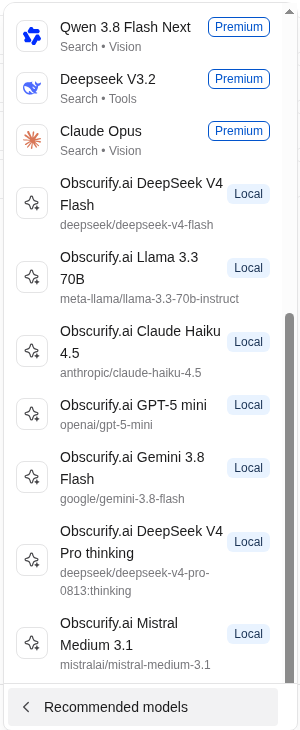
brave://leo-ai. - Click the model name under the message box, then Show all models. Your Obscurify.ai models are at the bottom. Brave marks every model you add yourself as Local, even when it runs on a server.
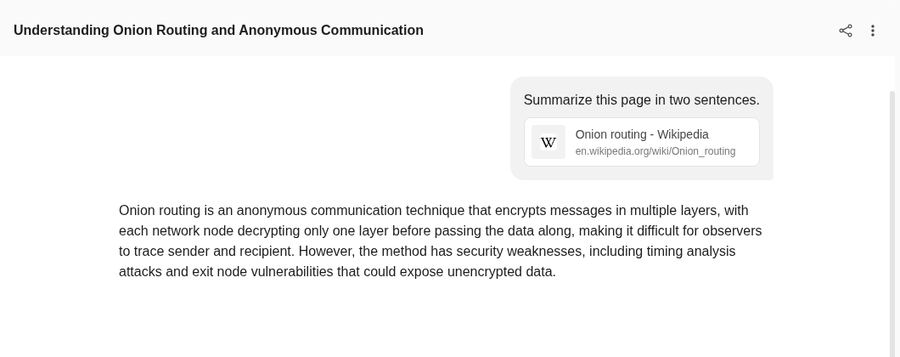
- Ask away. To ask about a page, click the paperclip, choose Open tabs… and pick the tab.
What works
We tested deepseek/deepseek-v4-flash, meta-llama/llama-3.3-70b-instruct, anthropic/claude-haiku-4.5, openai/gpt-5-mini, google/gemini-3.8-flash, deepseek/deepseek-v4-pro-0813:thinking and mistralai/mistral-medium-3.1.
- Streaming: yes.
- Attached tabs: yes. Leo sends the page text along with your question.
- Reasoning models: yes. Leo shows the answer, not the reasoning.
- Conversation titles: Leo asks the model to title each chat. Some models return clumsy titles; it doesn’t affect the answers.
- Errors: Leo shows “Something went wrong” for every error, whether the key is wrong, the balance is empty or the model isn’t on your plan. To see the real message, send the same key and model with curl.
Plans
Prices per model are on the model list, and each model has its own page with its price and the plan it needs. Frontier models need the Casual plan; uncensored models need Pro. See pricing.
Support
Questions or problems: contact us (email optional).
Last checked with Brave 1.98.60 on 2026-10-28.